
Kindly follow the below steps:
- Click on the link to reauthorise.
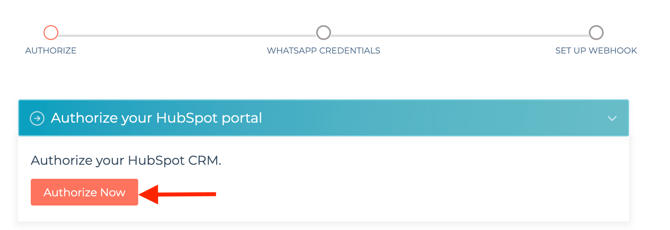
- Select the HubSpot Portal.
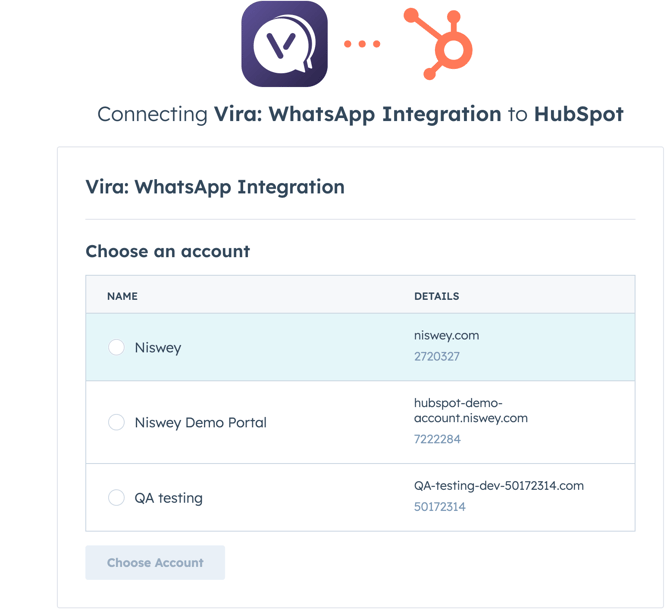
- Connect to WhatsApp and follow the steps on the screen to complete the reauthorization.
- Go to the Vira Dashboard > Widgets
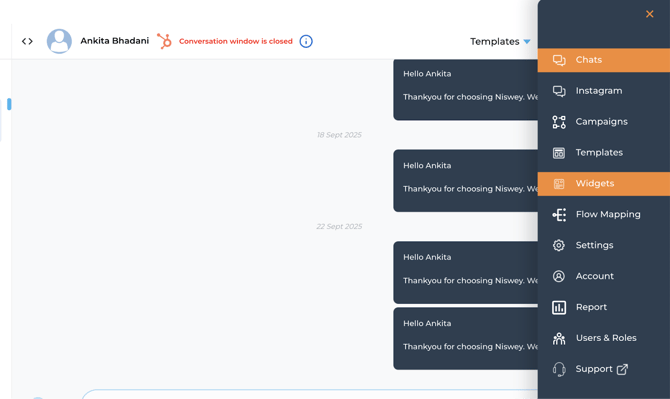
- 5. Click on Create Widget.

6. Fill in the details as you would like the widget to show. You can also check the preview beside for clarity.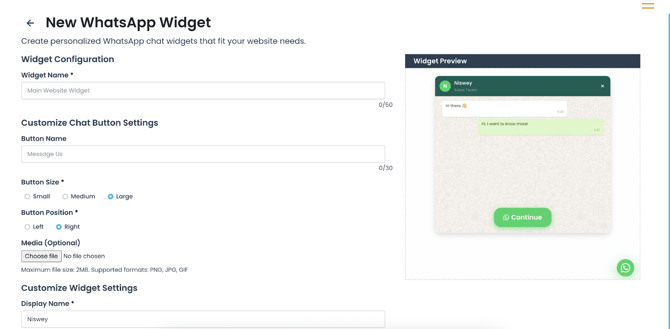
7. Select the HubSpot Form you would like to add to the widget, complete the details and click on "Generate Widget Code".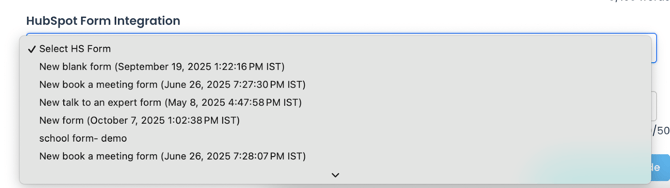
8. The widget code will be generated. You can copy the code or email it to your website development team.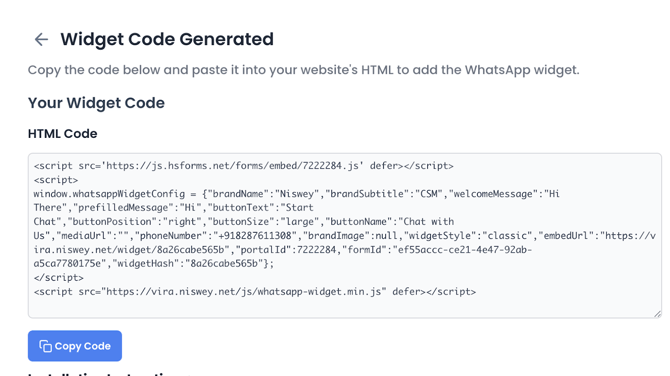
9. The code needs to be added to your website's HTML section.
Please find the attached video for your reference.
If you have any issue please raise a support ticket with us or we can get on a quick call to assist you.
Get Started with Vira now!
Having troubles? File a Support Ticket or Book a call!